CHROME MV3 / EXPLICIT ACTIONS / LOCAL-FIRST

Open evidence tools at the point of review.

Use the extension when a public page or image raises a provenance question. It opens the appropriate H/M tool, but it never makes a verdict, starts a scan, or uploads media on its own.

No account. No host permissions. English, Spanish and Chinese interface based on Chrome’s language.
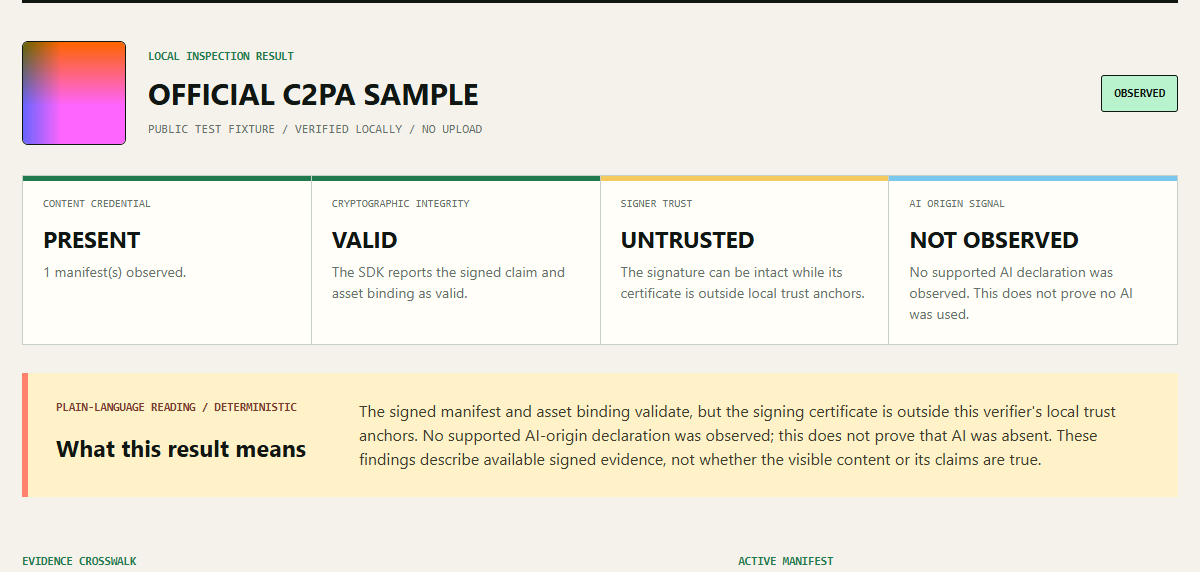
A visual overview of browser-local Content Credentials evidence review
Evidence, integrity and provenance are separate observations.

TWO DELIBERATE FLOWS

The extension only prepares a review.

  1. 01Open local verifierOpen the C2PA workspace and choose a file already on your device.
  2. 02Right-click an imageChoose a save location for the image, then select that local copy in the verifier.
  3. 03Review a public pageThe visible URL is pre-filled in the page tool; the tool waits for you to start any scan.

UNPACKED INSTALL / CHROME

Install the local package.

1

Download and extract

Download the ZIP above and extract it to a folder you keep locally.

2

Open extension settings

Open chrome://extensions and turn on Developer mode.

3

Load the folder

Select Load unpacked, then choose the extracted hm-local-evidence-launcher folder.

4

Use only when needed

Pin the extension. Its popup and right-click commands appear only when you choose to use them.

PERMISSION BOUNDARY

Small by design.

The package declares only activeTab, contextMenus, and downloads. It has no host permissions and does not run a content script on websites.

Images
The browser asks where to save the image. You choose whether to inspect the downloaded copy.
Public pages
The page URL stays in the URL fragment while opening the H/M review tool, so it is not sent as a page query parameter.
Verdicts
Neither the extension nor the H/M tools claim to determine whether media is true, false, or AI-made.