1. The shortest useful workflow ends with a second scan
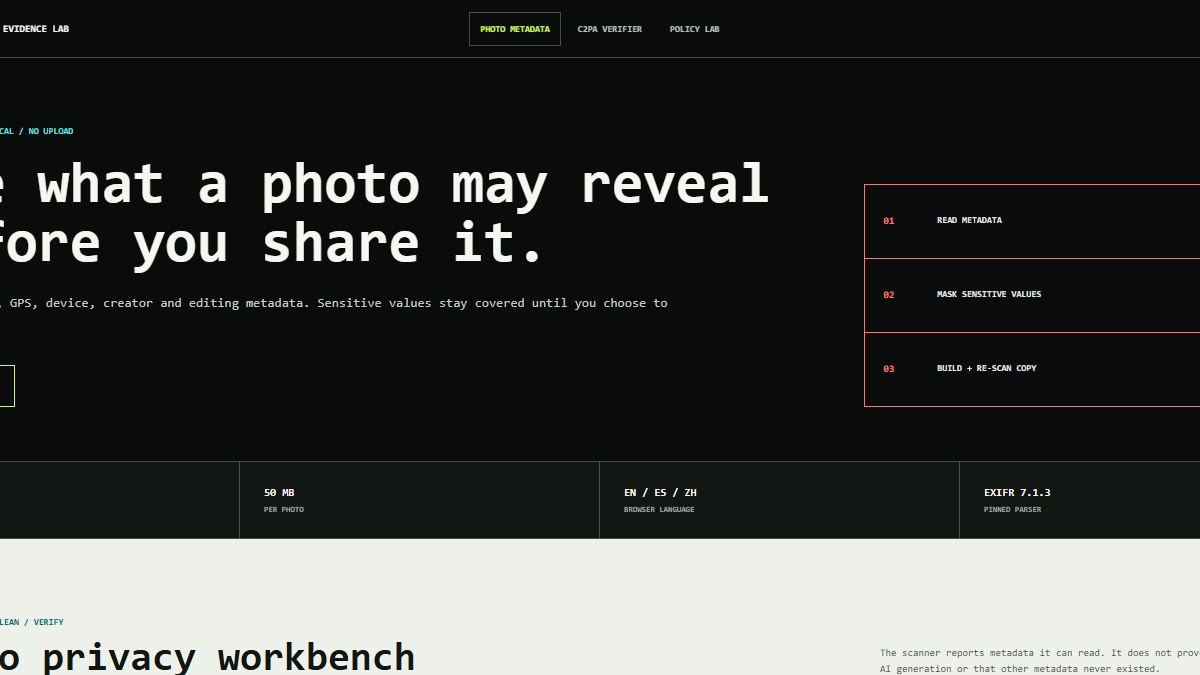
Open the tool, choose one photo, review the sensitive categories, create a clean copy and let the same parser scan the result again. For a standard-orientation JPEG, Auto preserves the encoded image scan and removes only application and comment segments. Download only after checking the counts, and keep the source file separately.
2. There are two local cleanup paths
For a standard-orientation JPEG, the browser removes APP and COM segments before the first scan without recompressing encoded image bytes. That removes EXIF, XMP, IPTC, ICC, comments and C2PA/JUMBF data in those segments. PNG, WebP, HEIC, TIFF, AVIF or a differently oriented JPEG use Canvas to create a new JPEG, PNG or WebP.
3. GPS can expose an address, routine or private place
Latitude, longitude, altitude and direction can identify a capture location. Dates, time zone, owner, serial number, comments and contact fields also deserve review before an image is published.
4. iPhone Photos can remove or withhold location
Apple's Personal Safety guide gives two useful paths: More, Adjust Location, then No Location for a photo; or Share, Options, then turn off Location for that share. Apple also documents disabling future Camera location access under Privacy & Security, Location Services.
5. Google Photos treats camera location differently
Google's official help separates estimated or manually added locations from location written by the camera. Google Photos can change or remove the first two, but says camera-added location cannot be updated or removed there.
6. Hiding location in one share flow is not the same as a new file
An app setting can prevent location from travelling through that specific share action. Segment-cleaned JPEGs and re-encoded copies are separate files for use outside that app. Re-scan after any later editor or platform changes the file.
7. Keep the original and understand the two paths
JPEG segment cleanup does not recompress the encoded image scan, but it can remove color profiles, C2PA data and declared orientation. The re-encode path can also change compression, color, orientation, transparency or pixels. Compare the result visually and retain the source for archiving, editing or evidence.
8. Pick an output format for the image
JPEG is practical for photographs but is lossy and has no transparency. PNG preserves transparency and can be larger. WebP often balances size and quality, provided the destination supports it.
9. Zero observed sensitive fields is a bounded result
The second scan confirms that this parser did not find compatible sensitive fields in that copy. It cannot cover every proprietary container, information visible in pixels, third-party face recognition or later platform changes.
10. The source file stays in the tab
The photo, filename, hash, coordinates, camera and metadata values are not sent to analytics. Only aggregate fixed paths and event IDs are counted, such as opening the tool or creating a clean copy.
Frequently asked questions
Hogar Mas · hogarmas.net
Is the photo uploaded to remove metadata?
No. The file is processed in the browser. A standard JPEG can be segment-cleaned without recompression; other formats are re-encoded locally. The workbench has no ads and does not send the file or its metadata values to a server.
Does removing iPhone location also remove camera, date and creator fields?
Not necessarily. The Photos option addresses location. Scan the file and create a separate clean copy when you also need to review other metadata categories.
Can Google Photos remove GPS written by the camera?
Google's help says camera-added location cannot be changed or removed in Google Photos. Local cleanup plus a second scan is a separate way to prepare a new share file.
Will a clean copy lose quality?
A standard-orientation JPEG can lose application segments without recompressing its encoded image scan, though its color profile, declared orientation or C2PA data may be removed. Re-encoding other formats can change compression, color, orientation, transparency or pixels, so retain and visually compare the original.
Does taking a screenshot remove metadata?
It may create a new file with fewer fields, but it also changes dimensions, quality and visible context. A before-and-after scan gives a clearer check.
Does no EXIF make a photo anonymous?
No. Visible content, the shared filename, account, message and destination service can still reveal information.
Official guidance consulted
Apple: manage location metadata in Photos · Google Photos: understand and edit photo locations